 Sakura AGIC
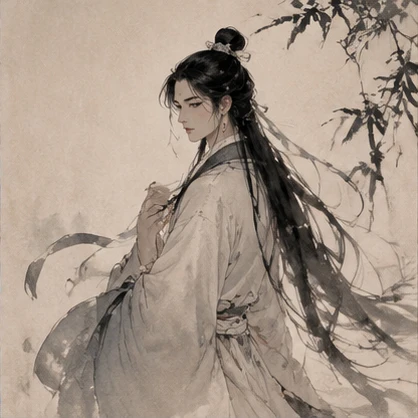
Write the script
Outline the story, give your characters dialogue, and break the action into scenes.
AI filmmaking studio
Write the script, cast your characters, and direct every shot in one studio.
Start with a script. Shoot in landscape or portrait.
Short dramas · Films · Motion comicsCreator guideModel catalog
Samples
Explore six clips and see how art direction and camera movement shape a scene.
Workflow
Outline the story, give your characters dialogue, and break the action into scenes.
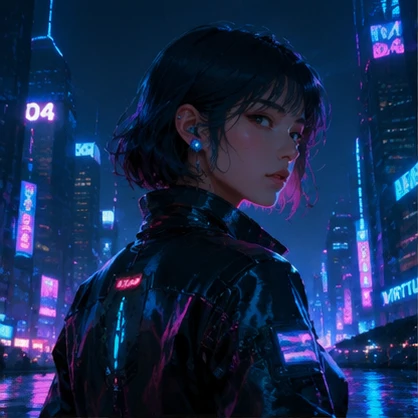
Choose character and location references, then set the framing, action, and dialogue for each shot.
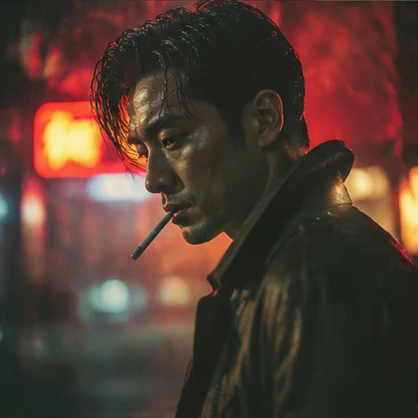
Generate clips, audition voices, and arrange your shots on the timeline before exporting.
Samples
Move closer to the emotion, reveal the setting, or circle the character. Pick a camera move to watch a short example.
Dialogue
Pricing
Choose a model and settings to see your quote. Completed charges appear in your billing history.
Characters and locations
Shots and sequences
Dialogue and voice-over
Help
Yes. Create a project, open the script editor, and add your story, characters, and dialogue before building the storyboard.
Open the shot in the workspace, edit its description, reference image, or dialogue, then regenerate that shot.
In the voice-over step, preview voices, enter your lines, and add the generated audio to the corresponding shot.
Check the shot order on the episode timeline and export it. You can download the video once the export finishes.
Paste your script or upload a plain-text TXT file, up to 100,000 characters. Homepage file import currently supports TXT only.
Choose the aspect ratio in the project setup when creating a project, then continue working in that format.
Check the quote for that operation before regenerating. The displayed quote determines the charge and may vary with the model, duration and other settings.
The homepage samples are short demonstrations lasting a few seconds. A complete video requires generating individual shots, arranging them on the timeline and submitting an export.
Start with a script. Shoot in landscape or portrait.
Loading…